The Ultimate Guide to Digital Wedding Checklist Tools for 2025-2026
Discover the best digital wedding checklist tools for 2025. Learn how AI, mobile apps, and smart automation are revolutionizing modern wedding planning.
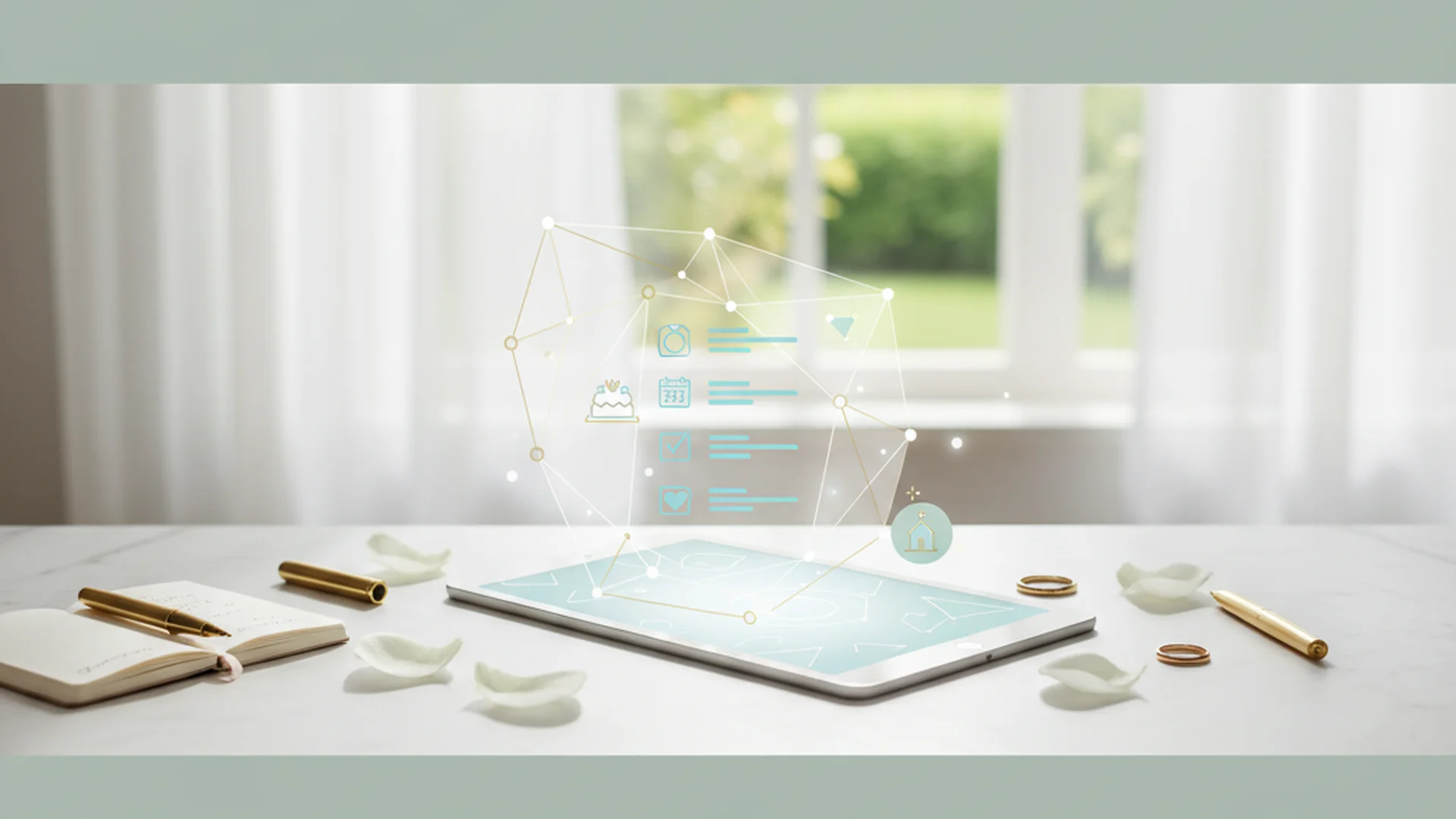
- Most modern couples now use digital platforms to manage their wedding logistics.
- AI integration is the biggest trend for 2025, assisting with budgets, timelines, and vendor matching.
- Centralizing your tools is critical to avoid "app fatigue" and missed deadlines.
Planning a wedding in the mid-2020s is a vastly different experience than it was even five years ago. As we look toward the 2025 and 2026 seasons, the reliance on digital wedding checklist tools has become the standard rather than the exception. With most couples now leveraging mobile-first platforms to manage their big day, the transition from paper binders to cloud-based automation is complete. Whether you are balancing a high-pressure career or designing a complex interfaith ceremony, these digital tools serve as the "central nervous system" of your wedding journey.
The Evolution of Digital Wedding Planning
The wedding industry is currently experiencing a massive technological shift. The global wedding planning market is projected to hit $106 billion by 2025, and much of that growth is driven by tech-enhanced experiences. We have moved past simple spreadsheets. Today’s couples are looking for immersive, AI-driven solutions that handle everything from carbon footprint tracking to augmented reality (AR) venue walkthroughs.
The rise of "Eco-Conscious Tech" is also a major factor. A growing number of couples now prioritize sustainability, choosing digital invites and RSVPs to reduce waste. This shift isn't just about saving trees; it’s about the real-time data accuracy that only digital tools can provide.
Why Use Digital Wedding Checklist Tools?
The primary advantage of a digital checklist is its dynamic nature. Unlike a printed list, a digital tool can respond to changes in real-time. If you shift your wedding date, a sophisticated tool like WeddingHappy can automatically reschedule every single deadline in your timeline with one click.
Real-Time Collaboration
Modern tools like Joy or Wedy are designed for the "power couple." Both partners can be logged in simultaneously, assigning tasks to one another and receiving push notifications when a vendor is booked or a payment is made. This eliminates the "mental load" often carried by one person and ensures total transparency.
AI-Driven Efficiency
AI usage in wedding planning has grown rapidly. A growing number of couples now leverage AI for complex tasks like budget allocation and vendor matching. Imagine an AI assistant that analyzes your Pinterest board and automatically populates your checklist with the specific vendors needed to recreate that aesthetic. This is no longer the future—it is the current reality of 2025 planning.
Tip
Key Features to Look For in 2025
When selecting your digital wedding checklist tools, look for these cutting-edge features that have become essential for the 2025-2026 season:
1. AI Design Assistants
New tools like June can now analyze your visual inspirations and generate a custom task list. If you upload a photo of a forest-themed ceremony, the AI can automatically add "Source eco-friendly moss decor" and "Check venue lighting requirements" to your checklist.
2. Augmented Reality (AR) Previews
High-end apps are beginning to offer AR features. This allows you to "place" digital 3D models of floral arrangements or seating charts into a photo of your actual venue. This bridges the gap between digital planning and the physical reality of the space.
3. Smart Registry and Thank-You Automation
Platforms like Zola have introduced "Instant Thank You" features for 2026. These tools track who bought what in real-time and can draft personalized thank-you notes as soon as a gift is purchased, keeping your "Post-Wedding" checklist virtually empty.
Note
Top Digital Tools for Modern Couples
| Platform | Best For | Price | Key Feature |
|---|---|---|---|
| The Knot / Zola | All-in-one planning | Free | Vendor marketplaces & integrated registries |
| Aisle Planner | Professional-grade tools | Subscription | Robust budget and floor plan management |
| Joy | Guest experience | Free | Beautiful websites and smart RSVP tracking |
| WeddingHappy | Task management | Free/Paid | Auto-rescheduling and offline accessibility |
Expert Recommendations for Digital Success
As an interfaith wedding officiant, I often see couples overwhelmed by the sheer volume of tasks. To make the most of your digital tools, I recommend the "Highlighter Strategy." Use tools that allow you to "star" or highlight tasks that require both partners' input—such as selecting ceremony readings—versus solo errands like "buy stamps."
Sync the Budget First
Never add a task to your checklist without a corresponding budget line. The most successful couples use tools that automatically calculate your "remaining balance" as you check off tasks. This prevents the common pitfall of overspending on late-stage items like favors or transportation.
Enable Strategic Push Notifications
Don't notify yourself for everything, or you will begin to ignore the app. Set high-priority alerts for tasks that have legal or financial consequences, such as:
- Marriage license application deadlines.
- Final vendor payment dates (set for 14 days prior).
- Room block release dates.
Do this
From the OurVows workspace
Want this checklist working for you, automatically?
Get a personalized timeline that surfaces every task at the right moment — and lets you hand things to your partner.
Real-World Examples of Digital Planning in Action
Example 1: The Destination Pivot
Sarah and Marc were planning a 2025 wedding in Italy. When their original venue had a double-booking error, they used the "Auto-Reschedule" function in their planning app to move their entire 12-month timeline forward by three weeks. Within ten minutes, every vendor deadline was updated and synced to their shared calendar.
Example 2: The Multi-Cultural Celebration
Anjali and David used a Wedding Checklist Generator to merge a traditional Hindu ceremony with a secular reception. By customizing their digital checklist, they were able to track specific ritual items (like the Mangalsutra) alongside standard reception logistics, ensuring neither culture's traditions were overlooked.
Example 3: The Budget Saver
Using a Wedding Budget Calculator synced to their checklist, Leo and Sam realized they were $2,000 over budget during the "Floral Selection" phase. The app’s real-time tracking allowed them to pivot to digital-only programs, saving enough to cover their dream photographer.
Common Mistakes to Avoid
Even with the best digital wedding checklist tools, things can go wrong if the technology is misused.
The "One-Size-Fits-All" Trap
Many couples download an app and leave the pre-populated list as is. This leads to "checklist clutter." If you aren't having a religious ceremony, delete the "Book a priest" task immediately. Clutter creates unnecessary psychological stress.
Ignoring the Offline Reality
Mistake: Assuming you will always have a signal. Many wedding venues, especially rustic barns or historic estates, have poor cell service. If your checklist and vendor contracts are only in the cloud, you may be unable to access your "Day-Of" timeline when you need it most.
Over-Sharing Too Early
Be careful about syncing your internal "To-Do" list with your public wedding website. You don't want guests accidentally seeing tasks like "Finalize uninvited guest list" or "Negotiate discount on chicken entree."
The Late Start Fallacy
A digital tool is a manager, not a miracle worker. With 2026 venues booking up 18 months in advance, waiting to download an app until a year out might mean you've already missed the window for top-tier vendors.
Heads up
Maximizing the "Guest Journey"
In 2025, digital checklists are expanding to include "Guest Milestones." This means your tool isn't just for you; it's for your loved ones. You can now schedule automated SMS reminders for dress codes or provide QR codes that allow guests to upload photos directly to a shared digital gallery in real-time. This creates a cinematic guest experience that feels personal and high-tech.
If you are struggling with the specific timing of your tasks, referencing a Wedding Checklist by Month can help you calibrate your digital notifications so you aren't overwhelmed in the final weeks.
Frequently asked questions
Are digital wedding checklist tools actually free?
Can I sync my checklist with my partner?
How do I handle a wedding date change in an app?
Do I still need a wedding planner if I use these tools?
What happens if the app goes down on my wedding day?
Conclusion
Embracing digital wedding checklist tools is the most effective way to manage the complexities of a modern wedding. By centralizing your tasks, leveraging AI for efficiency, and maintaining a clear view of your budget, you can reduce the stress of the planning process and focus on what truly matters: your ceremony and your future together.
If you are just beginning your journey, start with a Complete Wedding Planning Checklist Guide to understand the full scope of your needs before choosing the specific app that fits your style.
Do this
Ready when you are
Ready to Start?
Generate your personalized wedding checklist in seconds.
Ready when you are
Plan your wedding without the chaos.
Free forever for couples just getting started. Two minutes to set up. No credit card.
Keep reading

The Ultimate Wedding Checklist App Comparison: Top Picks for 2025–2026
Navigate the digital wedding planning landscape with our expert comparison of the best wedding checklist apps for 2025 and 2026. Find the perfect tool for your big day.

The Ultimate Winter Wedding Checklist: Planning Your 2025-2026 Celebration
Navigate your seasonal celebration with our expert winter wedding checklist. Learn how to save 20-50% on venues and master the logistics of a cozy, cold-weather wedding.
The Ultimate Wedding Attire Checklist: Dress Codes, Timelines, and 2026 Trends
Navigate your wedding wardrobe with ease. Our Wedding Attire Checklist covers timelines, budget tips, and 2025-2026 trends for couples and guests.