Mastering the Wedding Website RSVP Form: A Complete 2025–2026 Guide
Streamline your guest list with a high-performing wedding website RSVP form. Learn about conditional logic, deadlines, and digital trends for the 2025–2026 seasons.
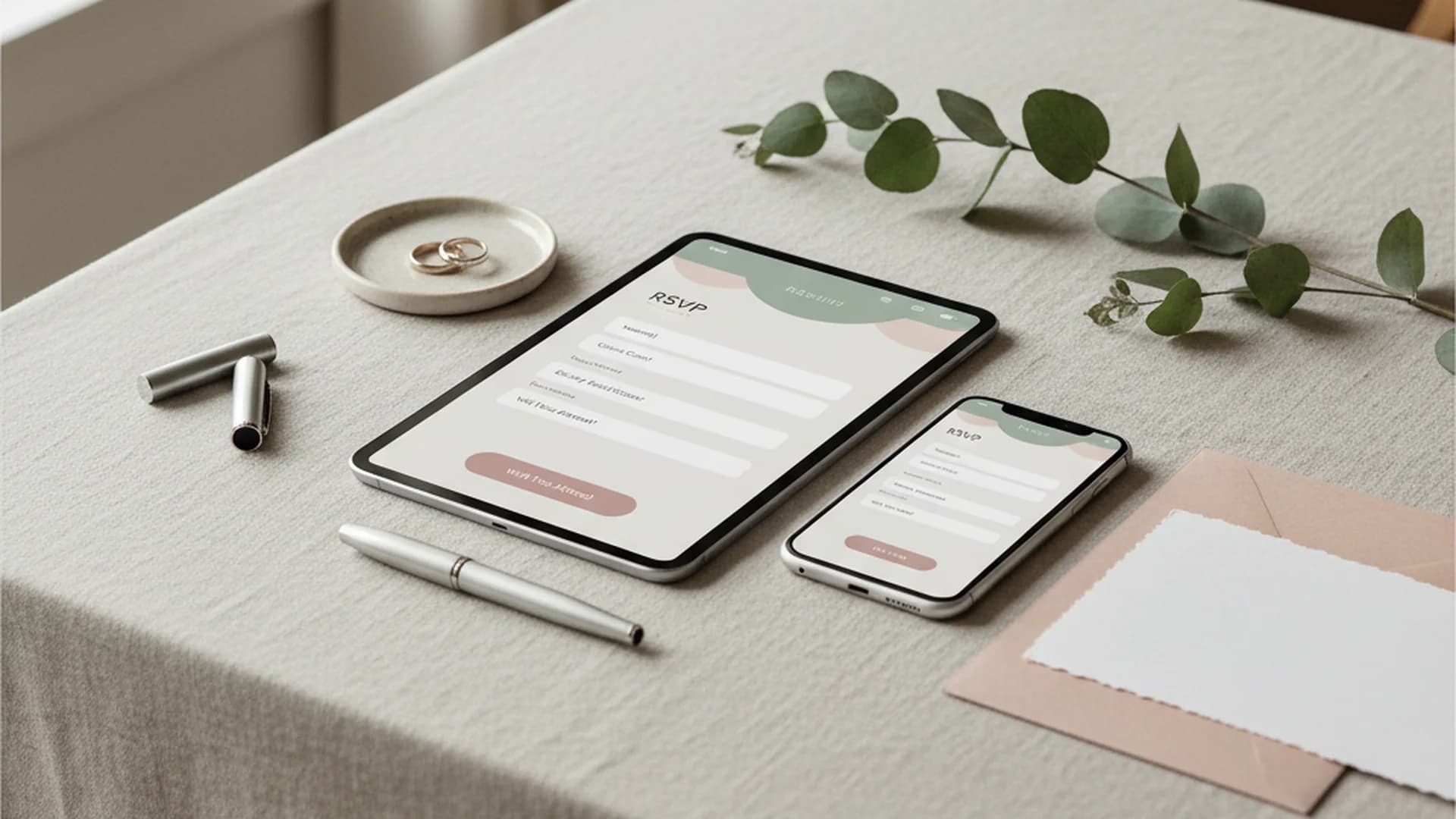
- Use conditional logic to manage plus-ones and multi-day event access.
- Set RSVP deadlines 4–6 weeks before the wedding to allow for vendor counts.
- Mobile-first design is essential as most guests RSVP from their smartphones.
The days of franticly checking the mailbox for tiny response cards are rapidly fading. In the modern era of nuptials, the wedding website RSVP form has become the central nervous system of wedding planning. With most modern couples now launching a dedicated wedding website, the digital RSVP has shifted from a "nice-to-have" feature to an essential tool for managing logistics, dietary needs, and guest expectations.
As we look toward the 2025 and 2026 wedding seasons, the reliance on digital planning is only growing. A growing majority of couples now rely primarily on digital tools to coordinate their big day. This shift isn't just about convenience; it's about accuracy, sustainability, and real-time communication. Whether you are managing a 200-person gala or an intimate destination micro-wedding, your RSVP form is the gatekeeper of your guest experience.
Why the Digital RSVP Form is Non-Negotiable
For decades, the standard was a paper insert with a stamped return envelope. However, this method is fraught with human error. Guests lose the cards, forget to mail them, or—most frustratingly—forget to write their names on the line provided. A digital wedding website RSVP form eliminates these pain points by offering a structured, interactive experience.
One of the biggest drivers of this change is the rise of the QR code. The use of QR codes on physical invitations has grown steadily in recent years. This "bridge" allows guests to scan their invitation and land directly on your RSVP page, ensuring they can respond the moment the excitement is fresh.
Do this
Essential Features for Your RSVP Form
When you begin how to build a wedding website, the RSVP functionality should be your top priority. Here are the features that separate a standard form from a professional-grade planning tool.
Conditional Logic: The Secret to Guest Management
Conditional logic is the most powerful tool in your digital arsenal. It allows the form to "react" based on who is logged in. For example, if you are hosting a rehearsal dinner but only inviting family, conditional logic ensures that only those specific guests see the option to RSVP for that event.
This also solves the "plus-one" dilemma. Instead of an open text box where a guest might try to add three friends, the form only shows a dropdown for the exact number of seats you have allotted to that individual.
Dietary Restrictions and Allergies
Managing food safety is a major logistical hurdle. Your form should include a dedicated field for:
- Allergies: Nut-free, celiac/gluten-free, shellfish, etc.
- Lifestyle Choices: Vegan, vegetarian, halal, or kosher.
- Note: Always include an "Other" field for guests to specify rare or severe sensitivities.
Mobile-First Design
Gen Z now makes up a large and growing share of engaged couples, a demographic that prioritizes mobile-first interactions. Most guests will open your invitation and scan the QR code while standing at their kitchen counter. If your form requires "pinching to zoom" or has small, finicky buttons, they will abandon the process. Ensure your wedding website design tips include a responsive, mobile-friendly RSVP interface.
Tip
Handling the "No-Show" Problem
The "No-Show" phenomenon is a growing frustration for modern hosts. The vast majority of couples report that at least one guest who RSVP’d "Yes" failed to show up on the day of the wedding. With the average guest cost now reaching $580, these absences are more than just a social slight—they are a financial burden.
To combat this, your digital form should be linked to an automated reminder system. Platforms that offer "gentle nudges" via email or text 7 to 10 days before your final headcounts are due can significantly reduce the manual work of "chasing" guests and help solidify your final numbers.
Heads up
Setting the Perfect Deadline
Timing is everything. If you set the deadline too early, guests won't know their work schedules yet. If you set it too late, your caterer will be charging you "rush" fees for final counts.
| Timing | Action Item |
|---|---|
| 8–10 Months Out | Include website URL on Save the Dates |
| 3–4 Months Out | Open the RSVP form for early birds |
| 6 Weeks Out | Standard RSVP deadline |
| 4 Weeks Out | Final "Chasing" period for non-responders |
| 2 Weeks Out | Final headcount sent to vendors |
Note
From the OurVows workspace
Building your wedding website?
Pick a template, claim your custom subdomain, and collect RSVPs and gifts — the OurVows website builder is part of Plus, from $12/mo.
Trends for the 2025–2026 Wedding Seasons
As technology evolves, so does the way we interact with wedding guests. Here are the top trends we are seeing for the upcoming seasons:
AI-Enhanced Communication
By 2026, it's expected that a growing number of couples will use AI assistants to draft their RSVP wording. AI can help tailor the tone of your form to match your wedding style—whether it's "Storybook Romance" or "Modern Minimalist." Some sites even use AI chatbots to answer guest questions about the dress code or parking directly on the RSVP page.
Interactive Texting
"Group-chat style" updates are replacing traditional emails. Services like Wedtexts allow couples to send RSVP links and deadline reminders directly to guests’ SMS inboxes. Because texts have a much higher open rate than emails, this is becoming the preferred method for Gen Z and Millennial couples.
Sustainability as a Luxury Standard
Digital-only RSVP suites are no longer seen as "informal." In fact, they are now considered the "luxury standard" for eco-conscious couples. Eliminating paper inserts and return stamps reduces the carbon footprint of the event significantly. To learn more about selecting the right platform for this, check out our guide on best free wedding website builders.
The Immersive Journey
2026 weddings are trending toward "Multi-Day Experiences." Instead of a one-night party, couples are planning weekend-long retreats. RSVP forms are evolving into "Check-in Hubs" where guests provide flight info, hotel stay dates, and shuttle preferences all in one place.
Common Mistakes to Avoid
- The "Open" Plus-One Field: Never leave a blank text box. Guests will use it to invite people you didn't intend to include. Use a dropdown that limits them to the specific number of guests assigned.
- Launching the Form Too Late: You should share your website URL with the Save the Dates (8–10 months out). Even if the form isn't "live," it gets guests used to visiting the site for information like the wedding website accommodations page.
- Forgetting Directions: Don't assume GPS will get everyone there perfectly. Include a Google Maps embed and parking instructions (valet vs. garage) on the RSVP confirmation page.
- Over-complicating the Form: Every extra question reduces the completion rate. If you don't need to know their favorite song or cocktail, don't make it a "required" field.
Real-World Examples of RSVP Logic
Example 1: The Destination Wedding
A couple hosting a wedding in Tuscany uses their form to track more than just dinner. They include fields for:
- Arrival date and flight number (for shuttle coordination).
- Attendance for the "Welcome Pizza Night" vs. the "Farewell Brunch."
- Scooter rental interest for the group excursion.
Example 2: The Multi-Event Local Wedding
A couple has a private tea ceremony in the morning and a large reception in the evening. Using conditional logic, they ensure that only the 30 guests invited to the tea ceremony see that option, while the other 150 guests only see the reception RSVP.
Example 3: The "Fun" Reception Crowdsourcing
To make the reception more interactive, a couple uses the RSVP form to ask:
- "What song is guaranteed to get you on the dance floor?"
- "What is your best piece of marriage advice?"
- "Which signature cocktail are you most excited to try?"
Frequently asked questions
How do I RSVP for a wedding online?
What is the standard RSVP deadline?
Can I change my RSVP later?
Is it rude to only offer digital RSVPs?
How do I handle plus-ones on the form?
Conclusion
Your wedding website RSVP form is more than just a checklist; it’s a tool that protects your budget, simplifies your logistics, and sets the tone for your wedding weekend. By utilizing modern features like conditional logic and mobile-first design, you can ensure a smooth experience for your guests and a stress-free planning process for yourself.
To get started on your total guest management strategy, you may want to use a guest count calculator to estimate your final numbers based on your initial invite list.
Do this
Ready when you are
Ready to Start?
Build your perfect wedding website and RSVP form today.
Ready when you are
Plan your wedding without the chaos.
Free forever for couples just getting started. Two minutes to set up. No credit card.
Keep reading

The Ultimate Guide to Your Wedding Website Travel Page: 2025 Edition
Learn how to build a high-converting Wedding Website Travel Page. Includes 2025 trends, hotel block tips, and guest logistics to ensure a stress-free experience.

The Ultimate Guide to Wedding Website Mobile Optimization
Ensure your guests have a seamless experience with our guide to wedding website mobile optimization. Learn the latest 2025-2026 trends and best practices.

The Ultimate Guide to Your Wedding Website Announcement: 2025-2026 Edition
Learn the best timeline, wording, and tech trends for your wedding website announcement. Master your digital planning with expert tips for 2025 and 2026.