The Ultimate Guide to Choosing the Best Wedding Seating Chart App for 2025–2026
Discover how a wedding seating chart app can save you significant planning time. Explore AI-driven tools, 3D floor plans, and expert seating strategies for your big day.
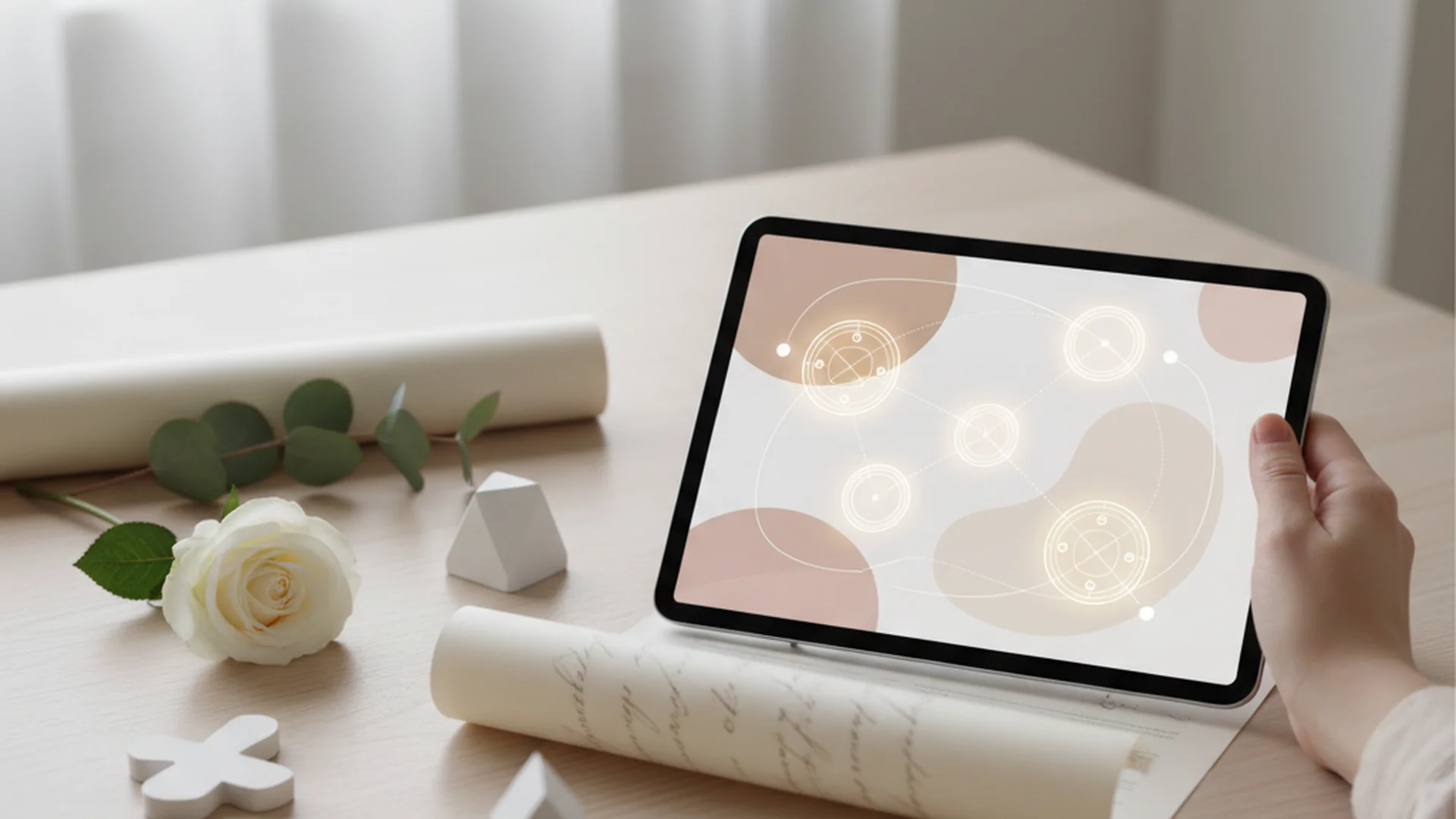
- Digital apps can dramatically reduce planning time compared to manual methods.
- A growing number of modern couples use AI tools for logistics and seating arrangements.
- For weddings over 50 guests, a structured seating chart is essential to prevent "buffet bottlenecks."
Planning a wedding is a beautiful journey, but it often comes with a series of logistical puzzles that can feel overwhelming. Among these, the reception layout is notoriously difficult. In the past, couples relied on poster boards and sticky notes that inevitably lost their stickiness. Today, the landscape has shifted. Utilizing a modern wedding seating chart app is no longer just a luxury; it is a strategic necessity for any couple looking to host a seamless, stress-free event in 2025 or 2026.
As an interfaith wedding officiant, I have seen firsthand how a well-organized room impacts the "vibe" of a ceremony and reception. When guests know exactly where they are going, the transition from "I do" to the dance floor is effortless.
The Digital Revolution: Why You Need a Wedding Seating Chart App
The transition from physical to digital planning tools has been driven by the need for efficiency. In our experience, using AI-powered seating tools can dramatically reduce the average planning time. What used to be a lengthy manual labor task is now manageable in a fraction of that time.
With the typical U.S. wedding hosting around 120 guests, the margin for error is slim. Digital organization helps you avoid "manual errors," such as accidentally leaving a guest off the final list or failing to account for a plus-one. By integrating your guest list directly with a wedding seating chart software, you ensure that every name is accounted for from the moment they RSVP.
Do this
Top Features to Look for in 2025 and 2026
When choosing the right digital wedding seating chart tool, you should look for specific features that elevate the experience from a simple list to a comprehensive spatial plan.
3D Floor Plans and Real-World Dimensions
Market leaders like Prismm (formerly AllSeated) have revolutionized the industry by offering 3D floor plans for thousands of actual venues. This ensures that the physical dimensions you are working with are accurate. You aren't just placing circles on a screen; you are placing tables in a digital replica of your specific ballroom.
AI-Driven Compatibility Algorithms
The newest wave of apps, such as Nupt.ai and AutomatedSeating, now utilize algorithms to suggest arrangements based on guest relationship data. You can input parameters like "keep divorced parents 30 feet apart" or "seat high-energy friends near the dance floor." This level of detail prevents social friction before it even starts.
Real-Time Syncing and QR Integration
By 2026, the standard will be "live" seating charts. If a guest cancels 48 hours before the wedding, the app updates the digital layout instantly. Some apps even allow you to generate a QR code for your day-of coordinator, giving them a live view of the most current seating plan should any "no-shows" occur.
Tip
Expert Strategies for a Seamless Reception
Having the right tool is only half the battle; you also need a strategy. In my experience designing ceremonies and consulting on receptions, I recommend a few "golden rules" for seating.
Start with the Venue Floor Plan
Never start seating until you have the exact dimensions from your venue. Use your wedding seating chart app to drop-and-drag tables into a digital replica of your hall. This prevents the "cramming" effect where guests feel like they are trapped between a wall and a chair.
Social Circle Grouping
Instead of just putting all "work friends" together, try grouping guests by "social orbits." Think about shared interests.
- Example 1: Seat your college roommates who love skiing with your cousins who are avid travelers. This sparks conversation between people who don’t know each other well but have common ground.
- Example 2: Create a "vibrant" table of your most outgoing friends near the bar or dance floor to keep the energy high.
- Example 3: If you are managing a complex family dynamic, refer to our guide on the divorced parents seating chart for specific placement tips.
Alphabetize, Don’t Categorize
When it comes time to move your digital plan into the physical world (like a seating board at the entrance), always list guests alphabetically by last name. Organizing by table number causes "traffic jams" as guests scan the entire board looking for their names. Alphabetical lists allow guests to find their table in seconds.
| Feature | Digital Plan (App) | Physical Display (At Venue) |
|---|---|---|
| Primary Goal | Logistics & Spacing | Guest Navigation |
| Best Layout | 3D Map / Bird's Eye | Alphabetical List |
| Updates | Real-time / Instant | Fixed once printed |
| Information | Allergies, Plus-ones | Name and Table Number |
From the OurVows workspace
Solving the seating puzzle?
Drag-and-drop tables, relationship warnings, and printable charts — built into your guest list.
Recent Trends in Wedding Seating (2025-2026)
The wedding industry is moving toward "interactive" experiences. Even though the planning happens on a wedding seating chart app, the reveal can be a physical highlight of the night.
- Signature Cocktail Seating Charts: Guests find their name on a wall and pick up a specific cocktail tagged with their table number.
- Friendship Bracelet Charts: A nostalgic, boho-inspired trend where guests take a handmade bracelet that acts as their "ticket" to their table.
- 3D Virtual Walkthroughs: Top-tier apps now allow you to virtually "walk" through your reception in 3D. This lets you check lines of sight to the cake-cutting or speeches from every seat in the room.
Note
Common Mistakes to Avoid
Even with the best wedding seating chart app, it is easy to fall into traditional traps. Avoid these common pitfalls to ensure your guests have a comfortable evening.
The "Singles Table" Faux Pas
One of the biggest mistakes is grouping all single guests at one "leftover" table. This often feels isolating and forced. Instead, integrate single guests into tables where they share interests with couples or other friends. They should feel like a part of the party, not a separate category.
Overstuffing Tables
Venues often say a round table "can" fit 12 people. However, for true comfort, I recommend a maximum of 8–10. Anything more leads to "elbow-bumping" and makes it difficult for guests to hear conversation over the music. For more details on spacing, see our article on guests per table wedding limits.
Ignoring Physicality and Accessibility
It is easy to forget the physical needs of your guests when looking at a 2D or 3D screen.
- Elderly Guests: Seat them away from the DJ speakers to protect their hearing.
- Mobility Issues: Ensure guests with wheelchairs or walkers are near exits and restrooms.
- Accessibility Tags: Modern apps now offer "accessibility tags" to help you track these requirements digitally.
Heads up
Frequently asked questions
Do I really need a seating chart?
Can I just assign tables instead of specific seats?
Is there a free app that works well?
What if someone cancels at the last minute?
How do I handle a blended family?
Conclusion
The days of agonizing over seating with a pencil and eraser are over. By leveraging a wedding seating chart app, you can transform a complex logistical hurdle into a manageable, even enjoyable, part of your wedding preparations. Whether you choose a tool with AI-driven compatibility or one that offers immersive 3D walkthroughs, the goal remains the same: creating an environment where your loved ones feel seen, comfortable, and ready to celebrate.
Remember to prioritize guest comfort, utilize the "alphabetical list" rule for your physical displays, and leave a few "swing seats" for those last-minute additions. With the right technology and a thoughtful strategy, your reception will be the seamless celebration you’ve always imagined.
Do this
Ready when you are
Ready to Start?
Organize your guest list and design your perfect layout today.
Ready when you are
Plan your wedding without the chaos.
Free forever for couples just getting started. Two minutes to set up. No credit card.
Keep reading
Navigating the Divorced Parents Seating Chart: A Diplomatic Guide for 2025-2026
Learn how to design a divorced parents seating chart that maintains peace and honors family. Expert tips for ceremony and reception layouts in 2025.

The Ultimate Wedding Seating Chart Timeline: A Month-by-Month Guide
Master your wedding seating chart timeline with our expert guide. From early drafts to last-minute changes, learn how to organize your guests stress-free.
Mastering the Pivot: How to Handle Last-Minute Seating Chart Changes
Learn how to manage last-minute seating chart changes with expert strategies, 2025 tech trends, and the 5% buffer rule to keep your wedding stress-free.